4.28.0
Performance & Stability Improvements
Added support for iOS 15.1 and above.
Enhanced app stability and reliability across devices.
Fixed photo uploads, playback crashes, and memory issues.
4.26.0
Deprecating Google Photos photo/video import
We constantly evaluate app features to make the experience more relevant to our users. With that intent, the ability to import photos & videos from Google Photos will no longer be supported. Content imported previously will continue to remain on your device. For more information, please refer to the FAQ.
4.29.0
Deprecating Google Photos photo/video import
We constantly evaluate app features to make the experience more relevant to our users. With that intent, the ability to import photos & videos from Google Photos will no longer be supported. Content imported previously will continue to remain on your device. For more information, please refer to the FAQ.
[iOS version only] Support for iPhone 16 models
Added support for iPhone 16, Plus, Pro, and Pro Max models.
Updated minimum supported OS version for mobile apps
The mobile apps are now supported only on Android 8.0+ and iOS 15.0+.
[iOS version only] Support for iPhone 15 models
Added support for iPhone 15, 15 Plus, Pro, and Pro Max models.
Deprecating Facebook photo/video import
We constantly evaluate app features to make the experience more relevant to our users. With that intent, the ability to import photos & videos from Facebook will no longer be supported. Content imported previously will continue to remain on your device. For more information, please refer to the FAQ.
Deprecating Facebook photo/video import
We constantly evaluate app features to make the experience more relevant to our users. With that intent, the ability to import photos & videos from Facebook will no longer be supported. Content imported previously will continue to remain on your device. For more information, please refer to the FAQ.
Good news! We've been working hard to bring you new and improved features for your My Cloud Home.
Deprecating photo edit feature
We constantly evaluate app features to make the experience most relevant to our users. With that intent, the ability to edit photos will no longer be supported in the mobile apps.
Onboarding experience
For users onboarding a new device, if the firmware is old, a critical security update will be installed on the device before the user can complete the device onboarding journey.
[Web version only] Onboarding experience
For users onboarding a new device, if the firmware is old, a critical security update will be installed on the device before the user can complete the device onboarding journey.
[iOS version only] Manage iOS auto backup folders
To ensure your auto backed up content is organized effectively, you can now choose to remove duplicates across auto backup folders and optionally combine remaining content into the active backup folder.
Security improvements
This update leverages improvements in Western Digital Account security.
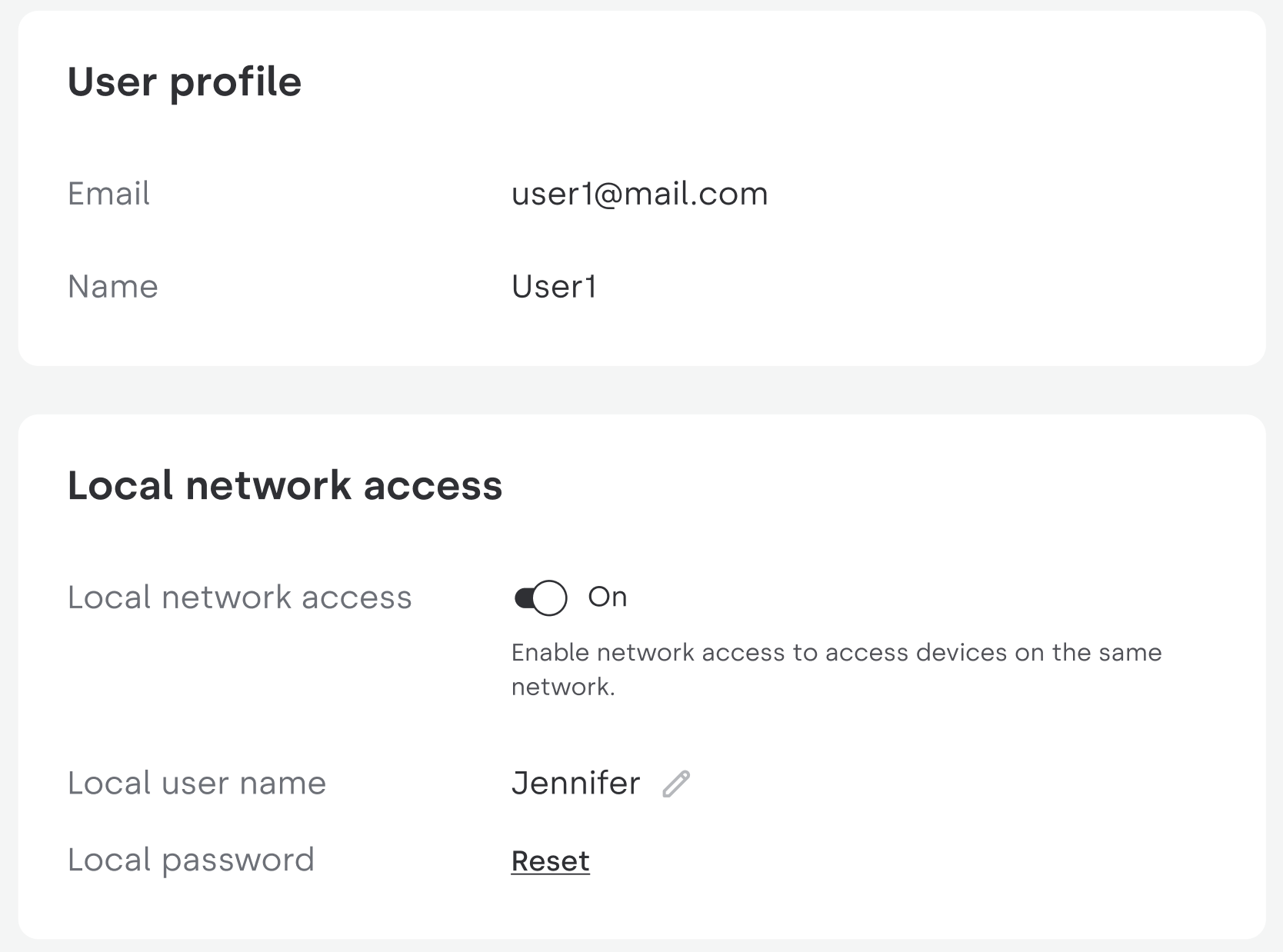
New My Cloud Home Dashboard
When you’re connected to the same local network as your device, the new My Cloud Home Dashboard allows you to enable local access.
Please refer to our FAQ for more information.
[iOS version only] Support for iPhone 14 models
Added support for iPhone 14 Pro and Pro Max Models.
[Web version only] Improved file transfer capabilities
You can now drag and drop folders directly from your computer into the web app.
You can now drag and drop files bigger than 5 GB into the web app when on the same network as the device.
iOS auto backup and account management improvements.
iOS only release.
One of the most used app features is auto backup. In this version we’ve made it faster and made changes required for iOS 16 compatibility.
We’ve also added the ability to delete your account from within the app, to comply with Apple’s new guidelines.
Important changes to your Western Digital product account
We are improving the registration and sign-in process! We created an experience that will be consistent across WD CloudTM, My CloudTM Home, My CloudTM OS 5, ibiTM and some future products. Starting in this release, you will be using the new Western Digital Account.
Your user ID and password remain the same. However, you might need to sign in again (you will be taken to https://accounts.westerndigital.com to sign in). Check out our FAQs for more information.
View in Dark Mode
Have you phone set to Dark Mode? Now the My Cloud Home application will match your phone settings and enter dark mode.
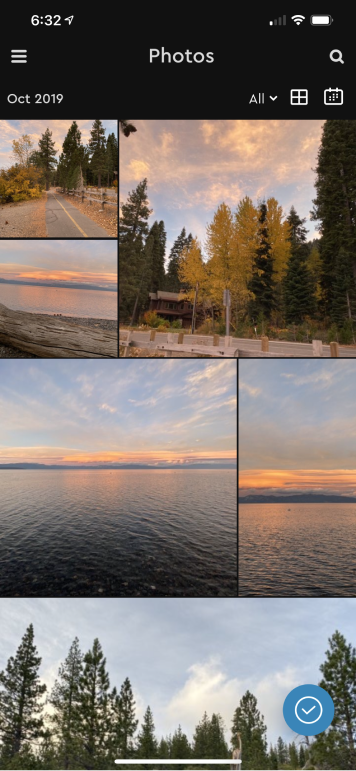
Mosaic View in Photos Tab
You can now toggle between the standard Grid and a new Mosaic view to enjoy your content!
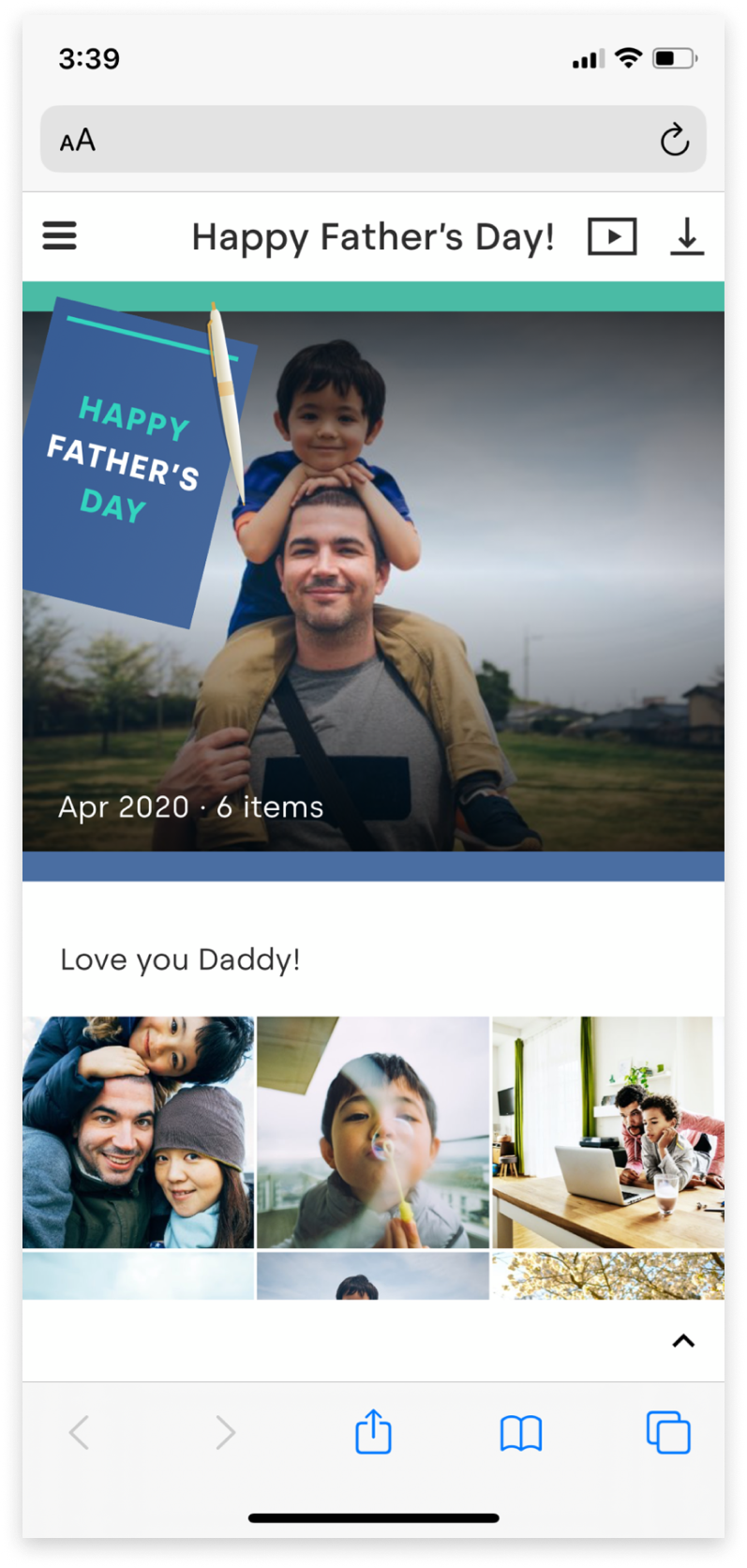
Start the celebration early for Father's Day
Why not get ahead and start celebrating now?! Starting June 15th, you can show Dads of all ages how much they mean to you on Father’s Day. With My Cloud Home, it’s super-easy to share a special memory with the Dad in your life. Choose a special photo or video and click ‘send link with love’ — for a special delivery! You could also make Father’s Day extra-special by creating a photo album with your favorite memories and then share. That way, he'll have even more happy moments to remember
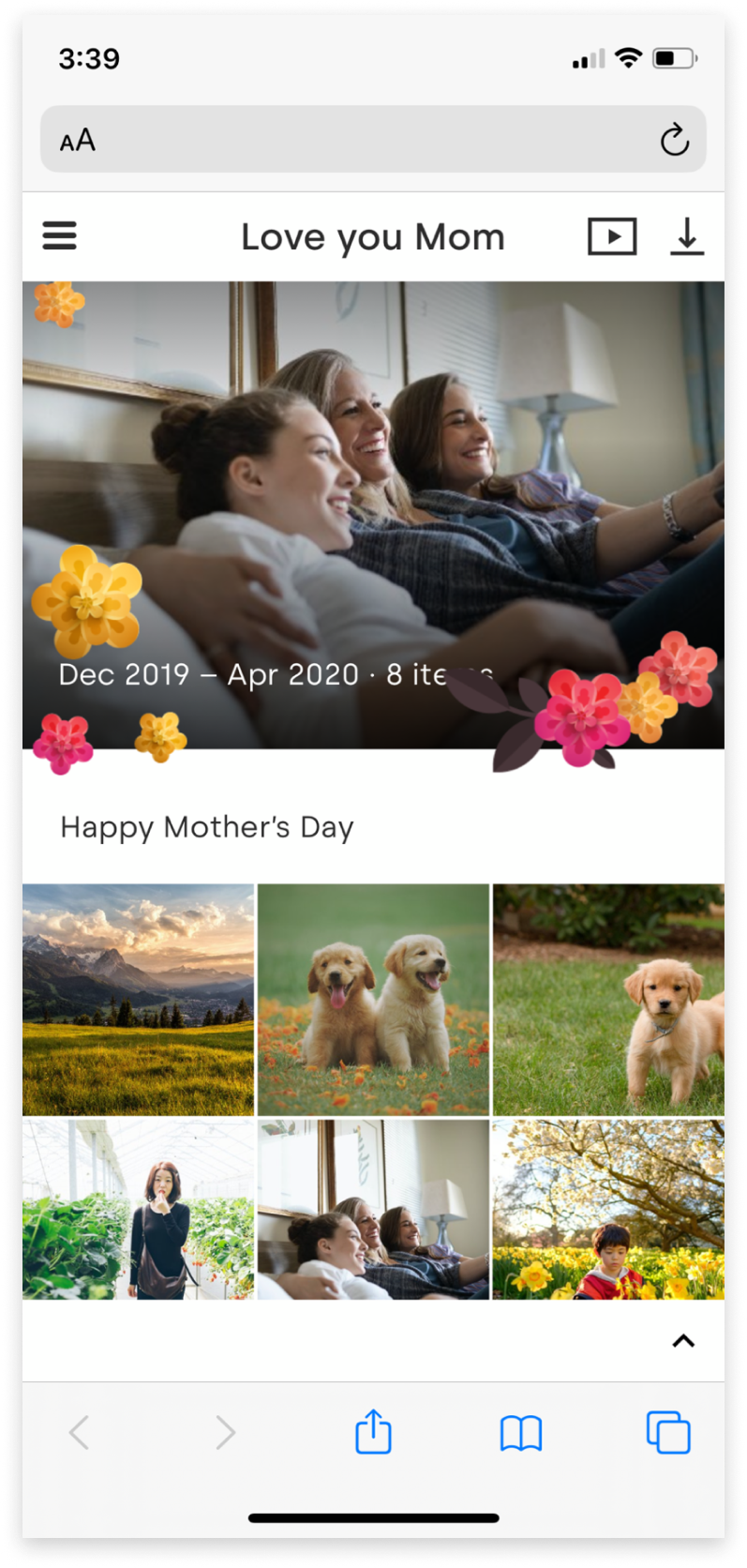
Happy Mother's Day
Mother’s Day is Sunday, May 10 and My Cloud Home is letting you send your memories with love! When you are ready to share a photo or video, just choose ‘Send link with love’ option. It’s the perfect way to thank Mom for all that she does. If you can’t be there in person, the happy memories will make her day.
Long Press: Preview before Upload
Long press to preview a larger version of your photos and videos before selecting it to upload to My Cloud Home. It’s super handy if you have multiple variations of the same image or video, and you want to make sure you’re uploading only your favorites (instead of all the near-duplicates). To try this, do a long press on the image in your camera roll to preview a larger version when you are 'importing photos' to My Cloud Home.
Long Press: Enter Select Mode
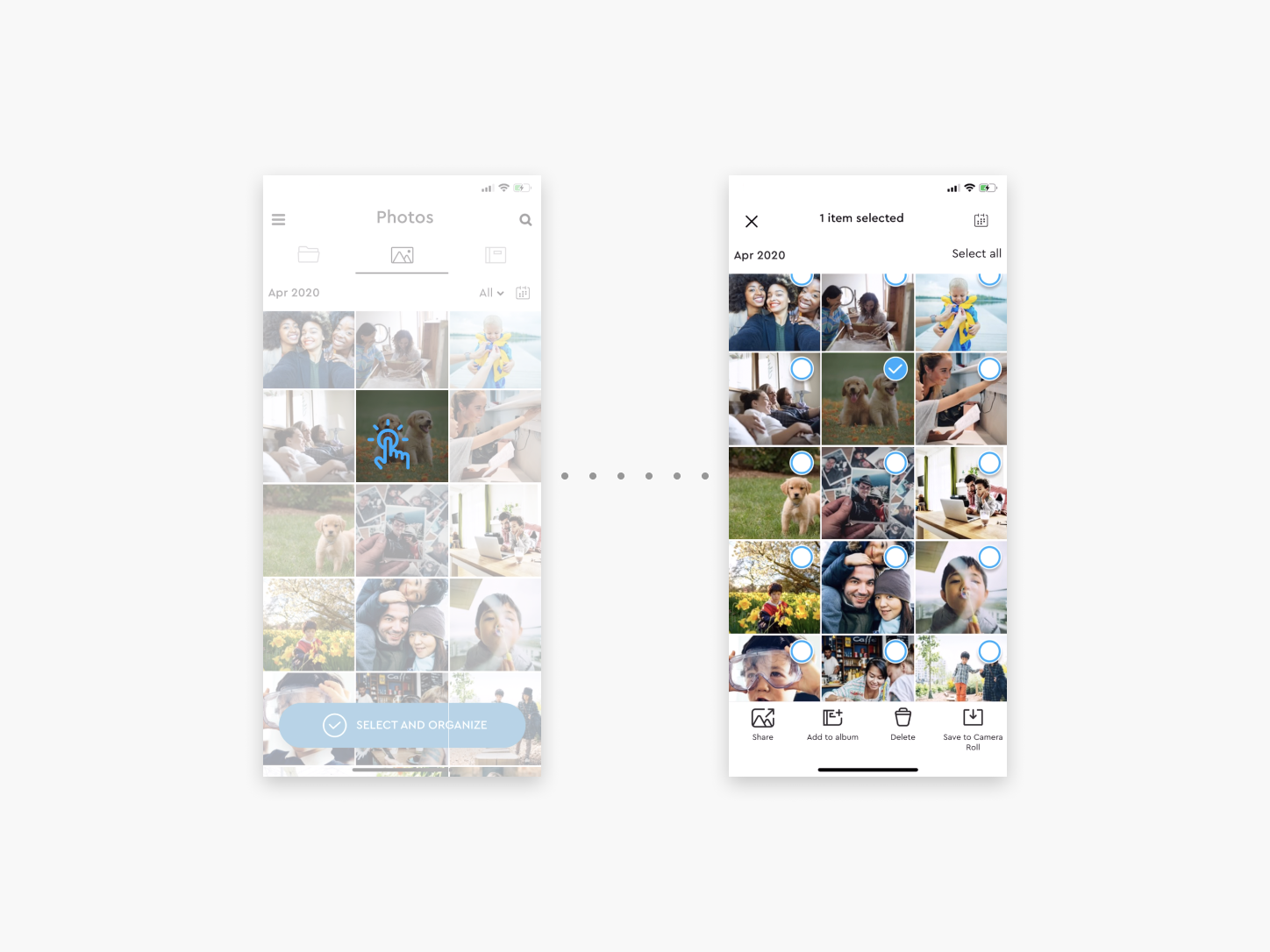
You can also long press on any photos or videos in your Photos tab of your My Cloud Home to quickly select them. You can choose individually or collectively if you’d like to share, add to album, etc. This includes the ability to select pictures by month also. Once you start using the long press, we think you’ll appreciate the nice shortcut.
Music Support
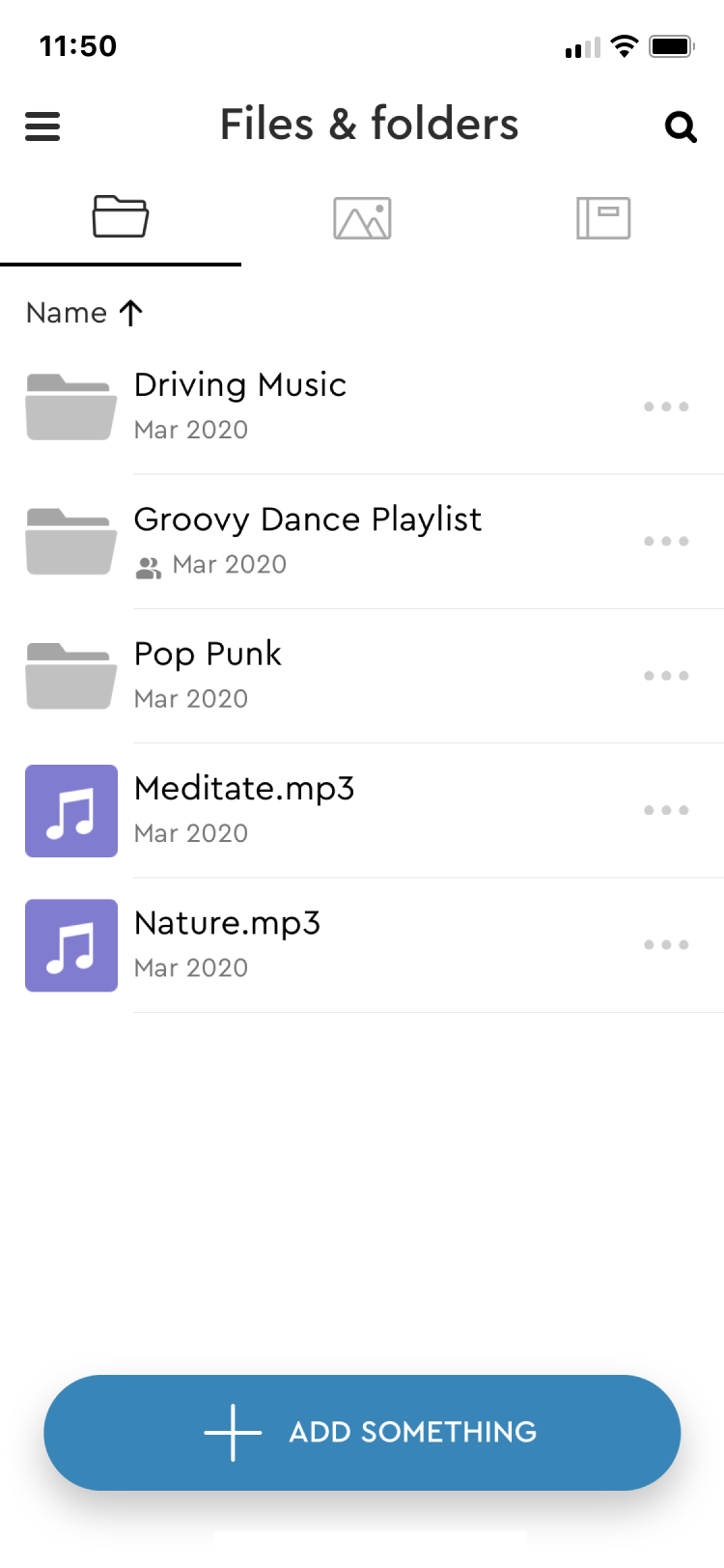
This has been a popular request, and we’re happy to share that now you can play any of your music files on your My Cloud Home mobile app or web app.
Whether it’s Beyoncé or Justin Bieber, have a blast jamming out to your favorite songs! Simply upload all of your songs to My Cloud Home and create a folder for them.
"Shared" Tab on Desktop
An easy way to find folders that have been shared with you. Never lose track of your favorite files—you can always go back and find anything that was shared, continuing to add new content and new memories, collaborating for as long as you want.
Look for the Shared tab on the top left of the Desktop app to start exploring and collaborating.
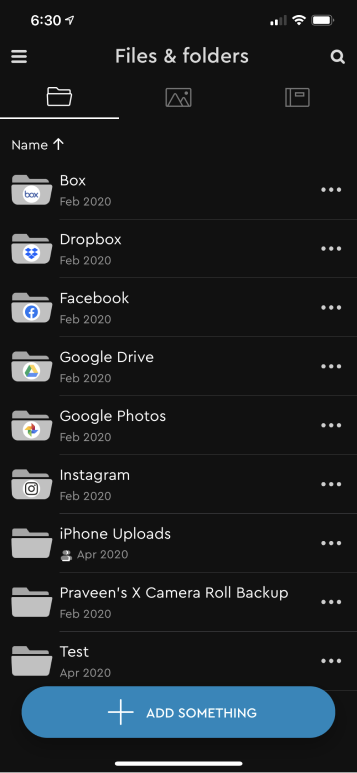
Files App Support for iOS
Your My Cloud Home content is now available to access in the native Files App on iOS.
Holiday Theme
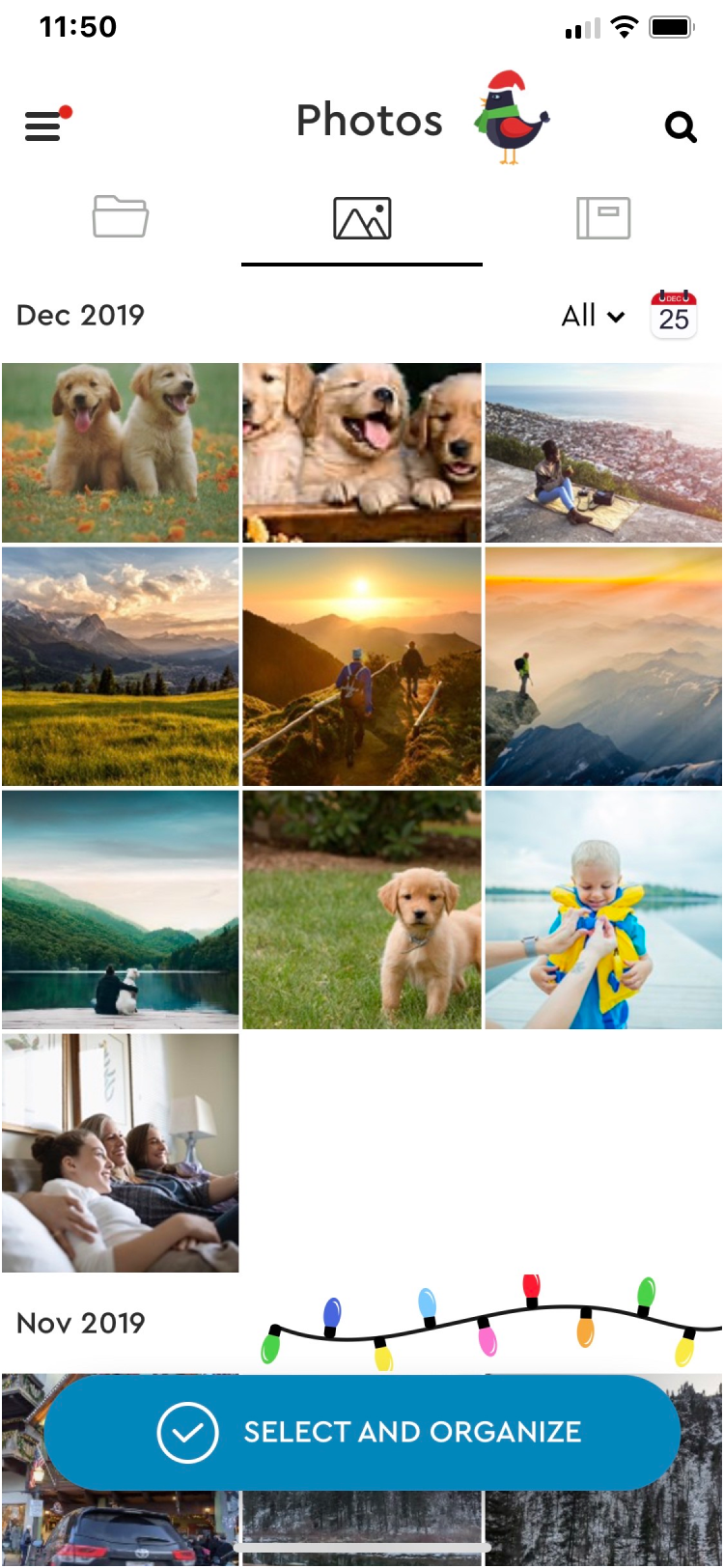
Your MCH app is joining in on the holiday fun with a festive theme. Happy Holidays from our family to yours!
Import Photos
Now, you have the ability to add directly from the camera roll and gallery to any album.
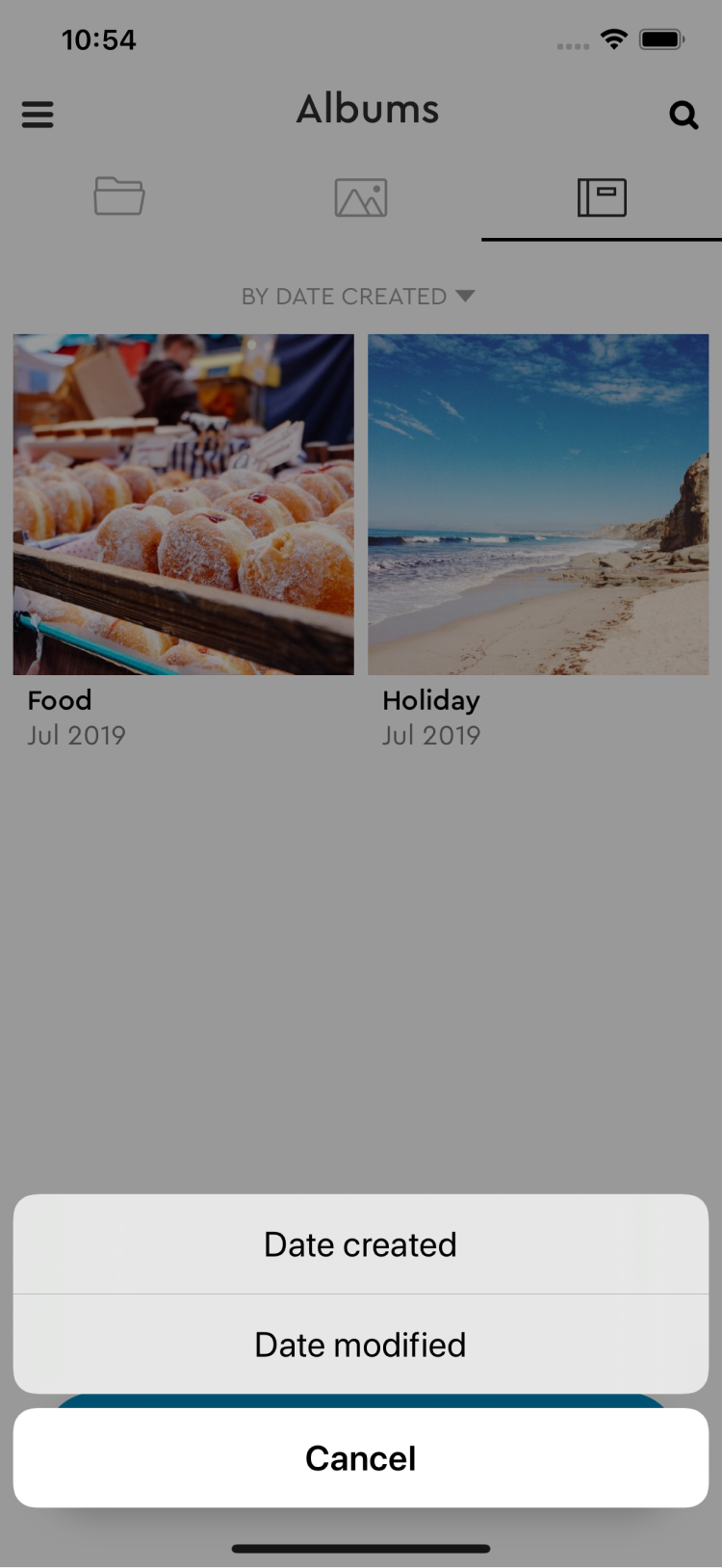
Album Sorting
Easily sort your albums as well as content inside the album based on date created or modified
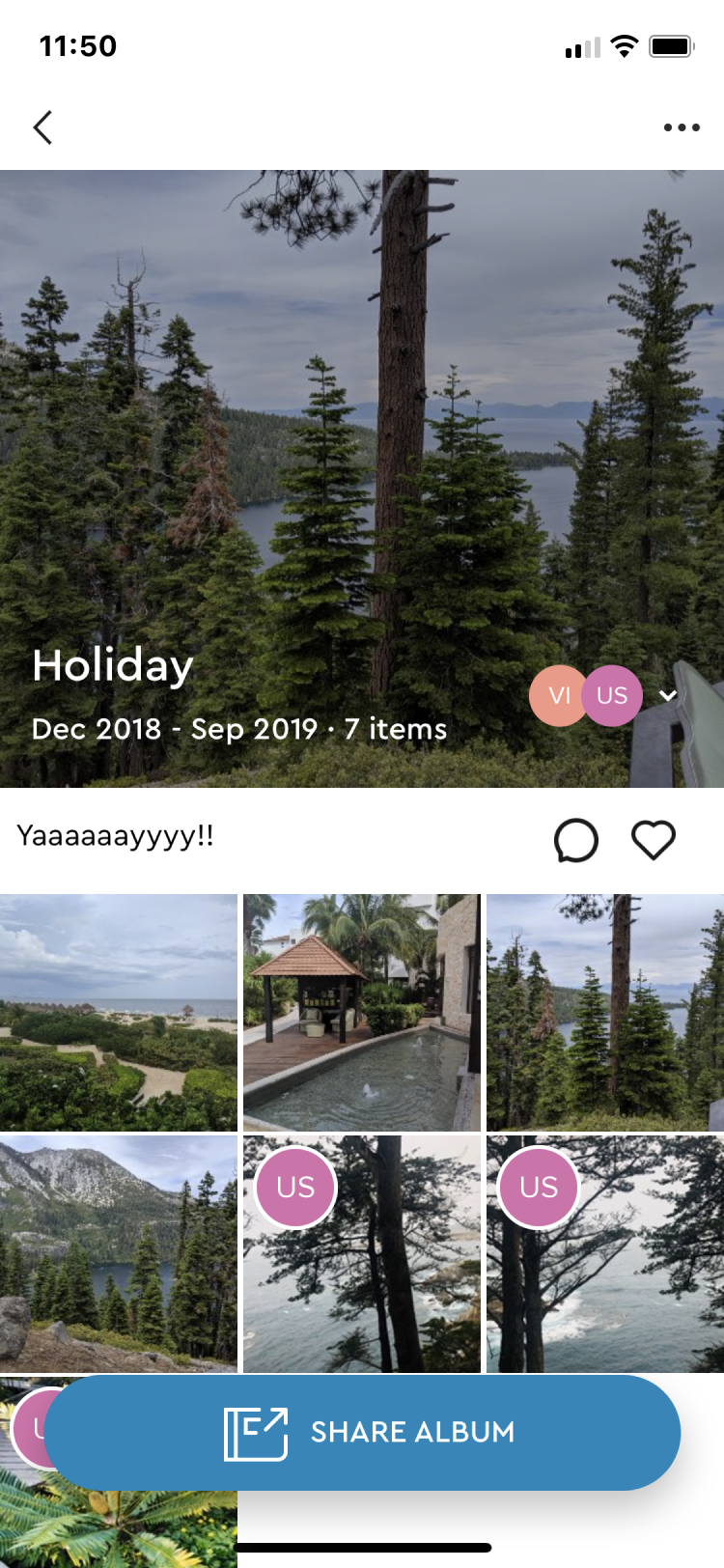
Additional info on sharing in albums
An avatar will now indicate who has shared what content in the album
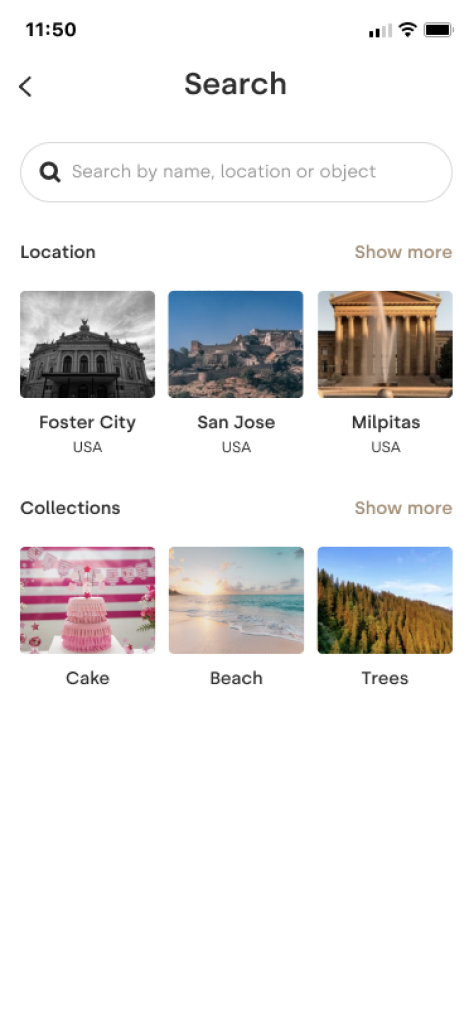
Automatic Collections
My Cloud Home now groups your memories automatically based on location and object(s) that shares similarities. These personal “Collections” are now available in search for you to enjoy!
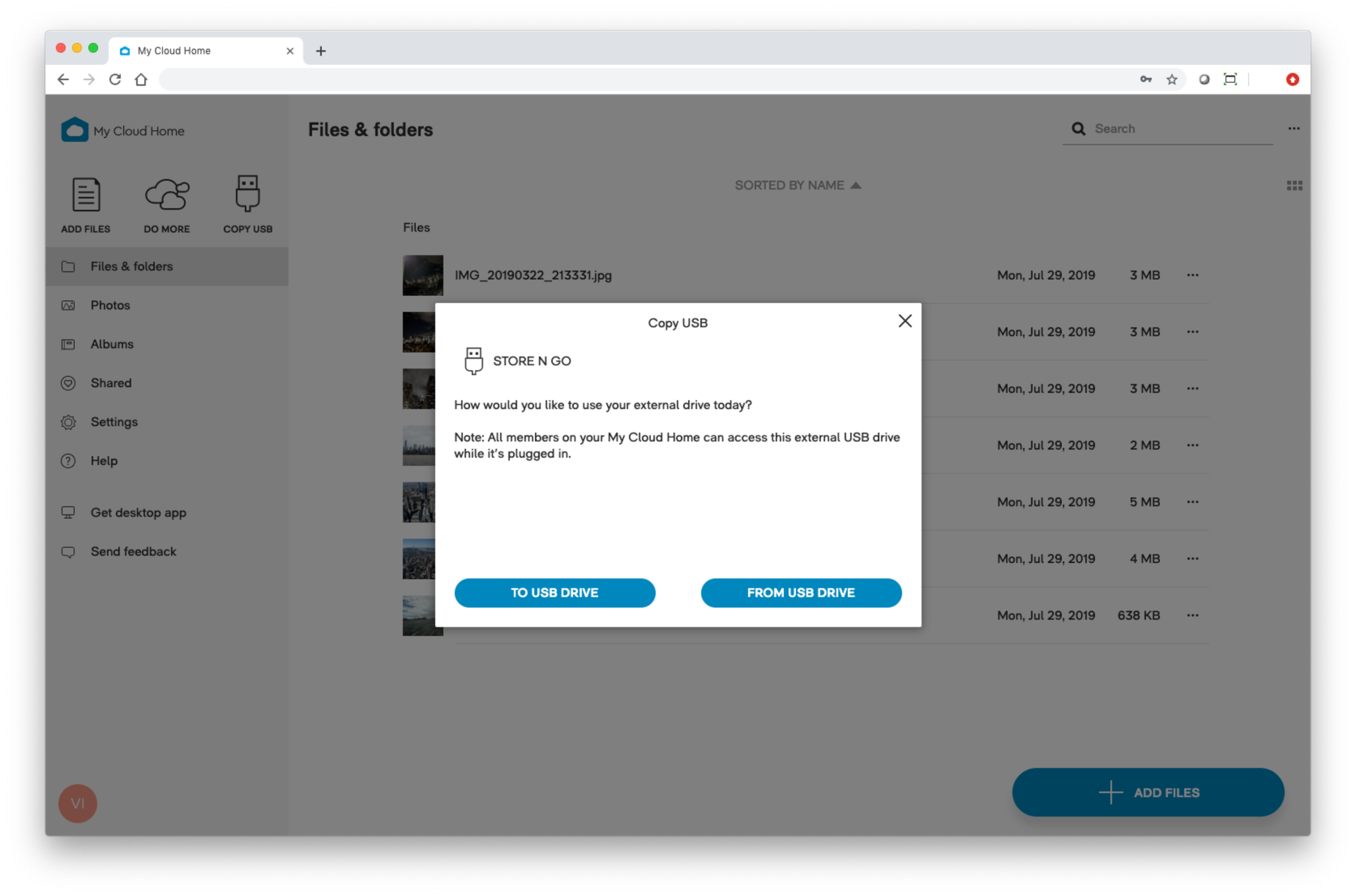
Copy to and from your USB on web
Be anywhere and interact with the USB attached to your My Cloud Home on mycloud.com.
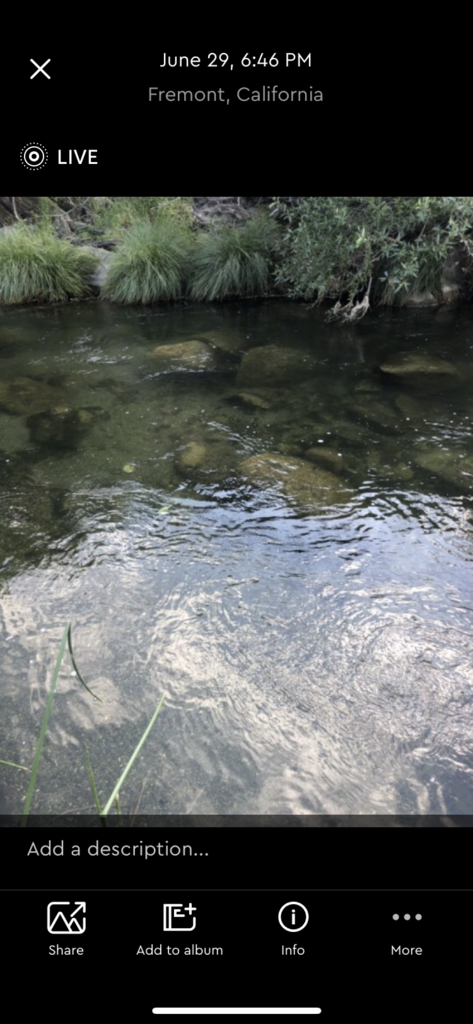
Live photo support on iOS
Play your Live Photos directly from the My Cloud Home iOS app.
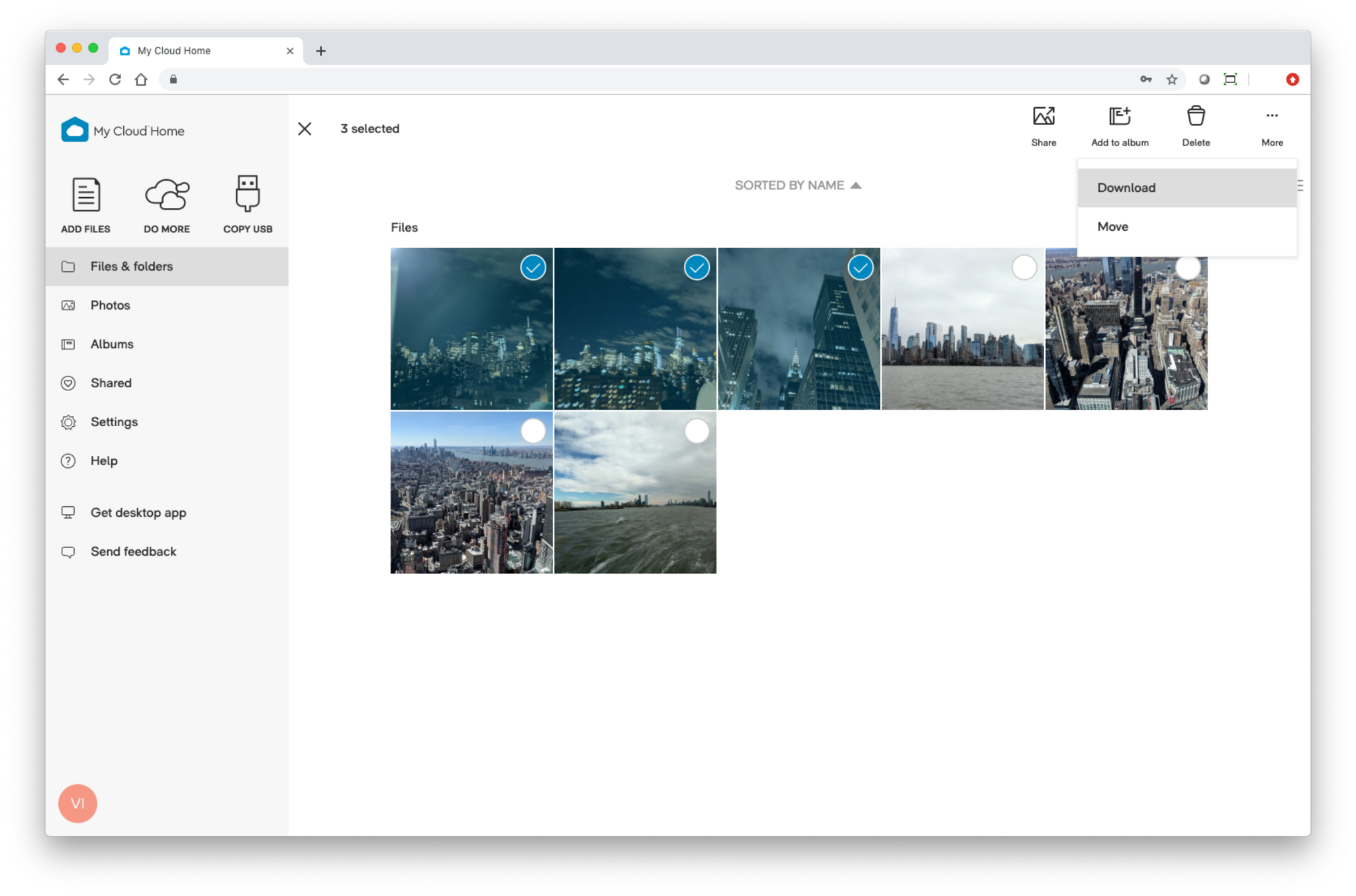
Download multiple items
Download multiple items directly from MyCloud.com. Albums can also be downloaded directly from the albums tab or when they're shared.
Plex Update
Enjoy the newest version of Plex on your My Cloud Home.
Support for Instagram
Once enabled you can back up all of your Instagram pictures to your My Cloud Home using the "Social and Cloud Import" app under Do More.
Family Folder changes
(For existing My Cloud Home and Duo users)
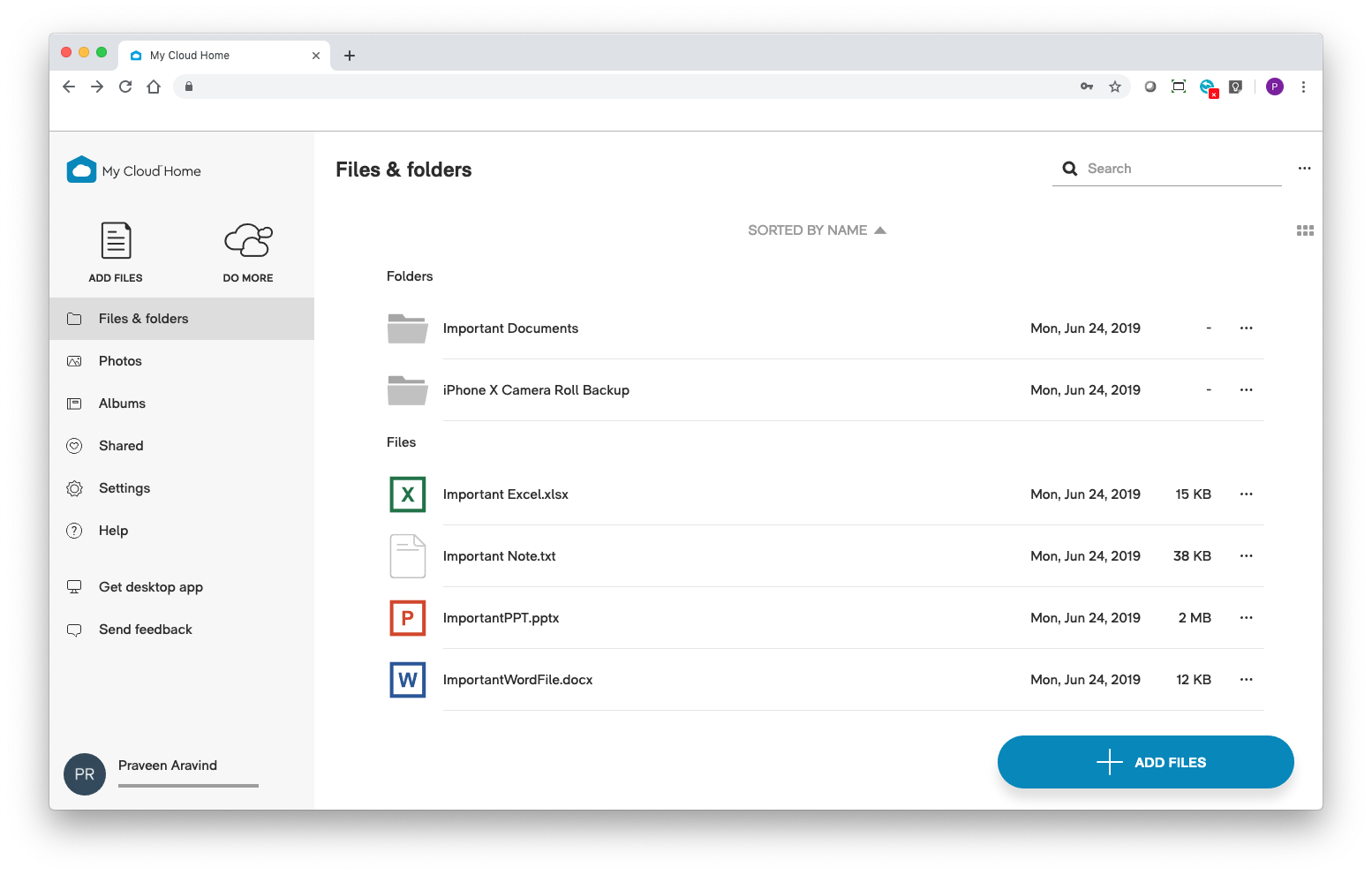
Device owners can now see the "Family Folder" under the "Files & Folders" view.
Users invited to the device can find the "Family Folder" under the "Shared" view, accessible from the side menu.
NOTE: Device owners will need to share the "Family Folder" with new users as they are added.
File Info
View additional information about your Files through the "Info" option.
Passcode / FingerPrint / FaceID Lock
We now wait 15 minutes before asking you to enter your Passcode / FingerPrint / FaceID Lock.
Organize
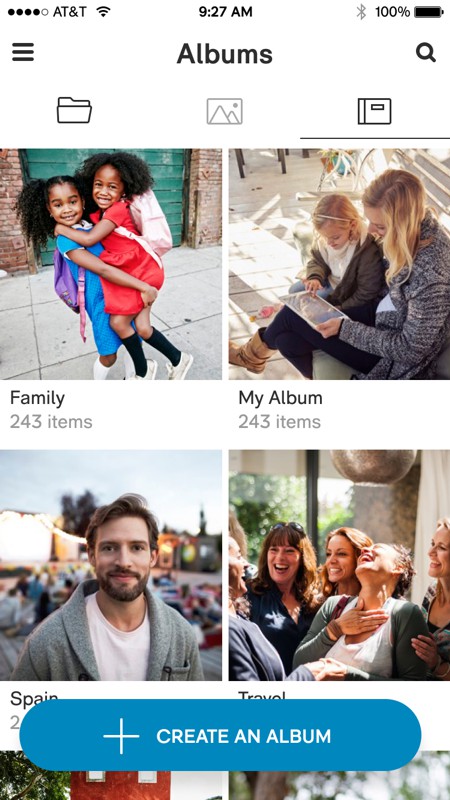
Album support: organize, arrange and share your albums for every occasion.
Organize, arrange and share your albums.
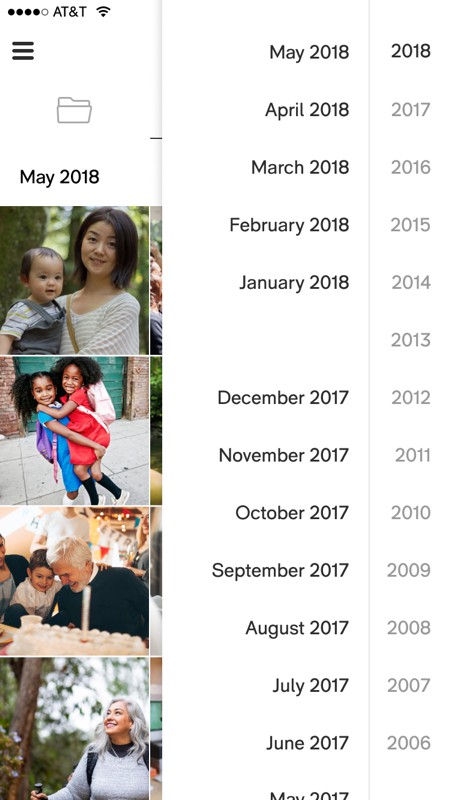
Timeline view: view your images in chronological order.
Easily access and enjoy all your happy moments.
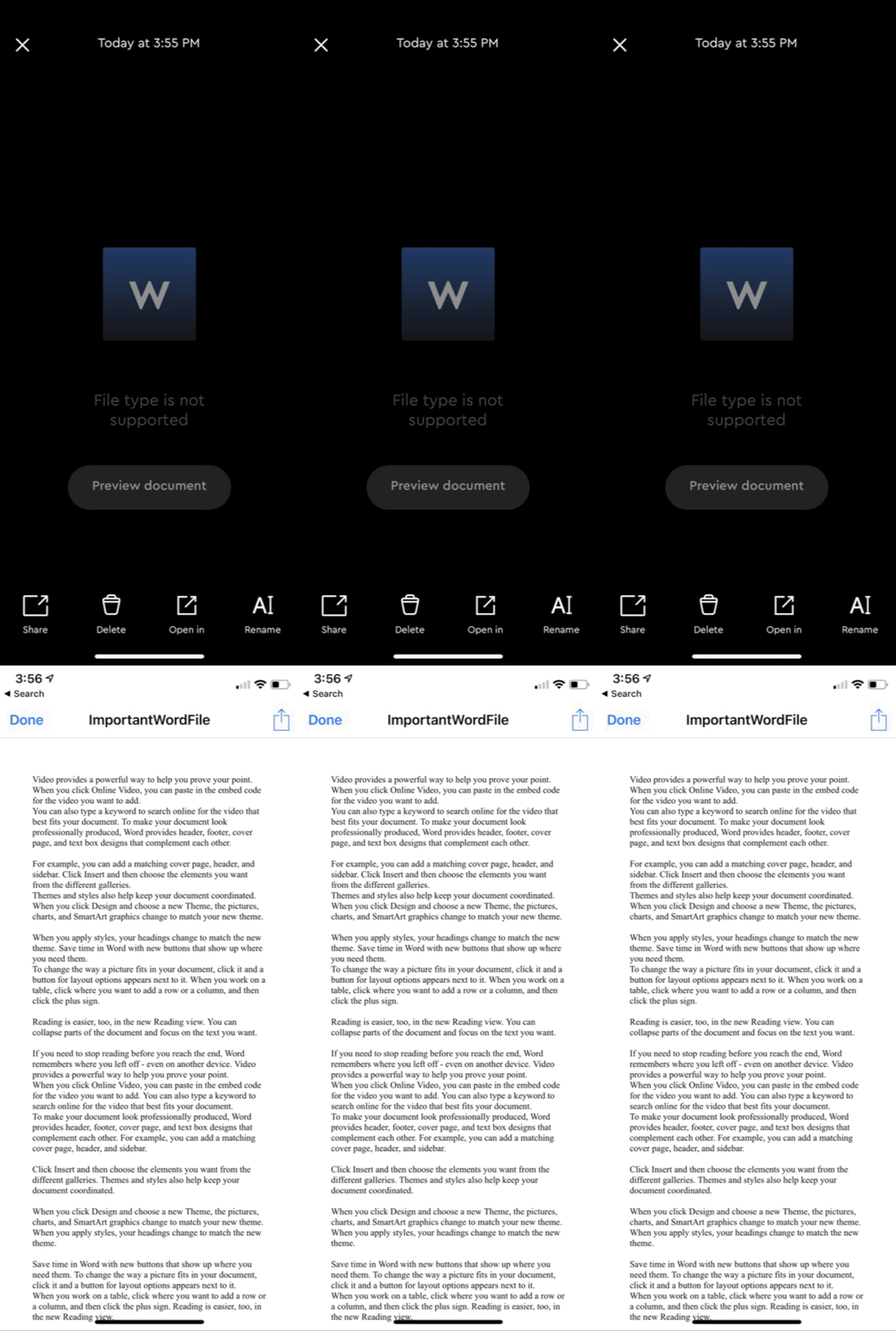
You can preview documents stored on your My Cloud Home.
Tap on "Preview Document" to open a native preview of the document.
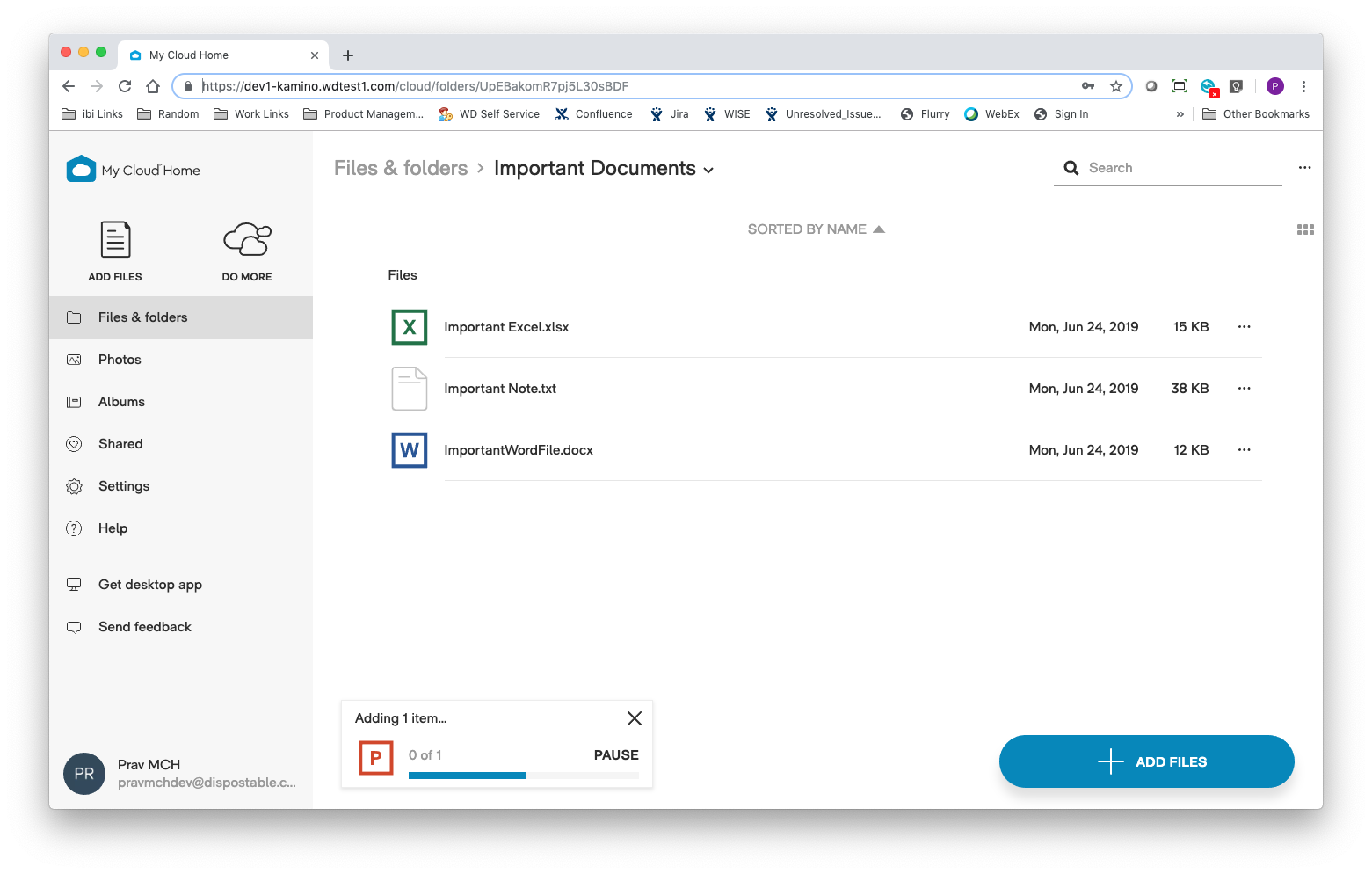
Drag and drop to directly upload to an album or a folder
You can now drag and drop your files directly into an album or a folder.
Accept album request on mobile
Now when a user requests to join one of your shared albums you'll be able to approve or deny them directly from the mobile app.
Relive
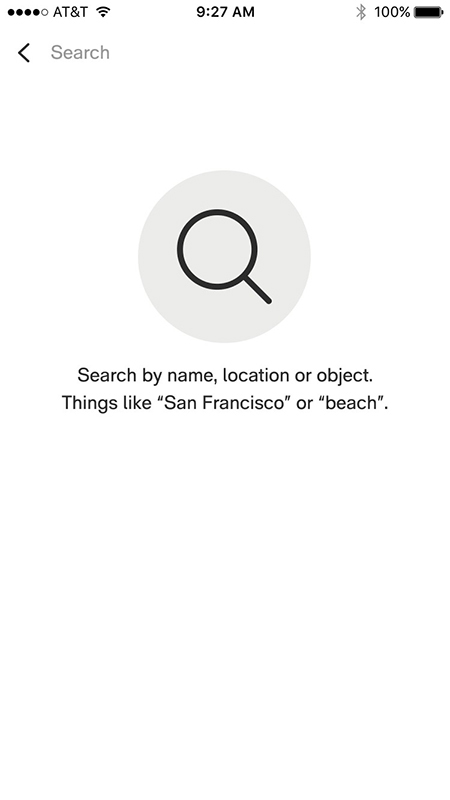
Object detection: search for images with our new object detection technology so you spend less time scrolling and more time enjoying.
Object detection based search.
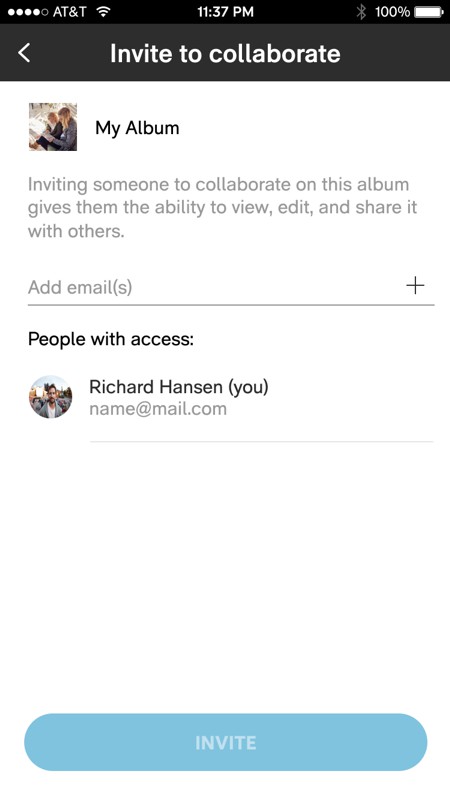
Invite to collaborate: share your memories privately with the people that matter most.
Revisit your precious moments.
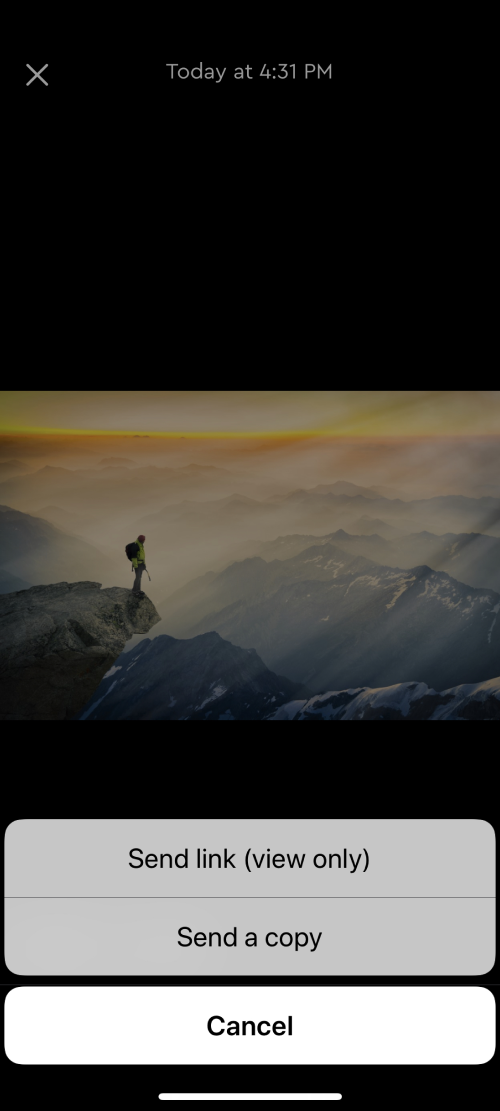
Now you can share a file directly using your favorite apps.
Just tap "Send a copy" and we'll attach the actual file to Facebook, What's App, Instagram, Messages, and more.
Improved web experience
We've made it easier to navigate on the web.
Out with the old, in with the new:
In order to make room for all the updated features, some older ones had to go. We kept the best of the best to enhance your My Cloud Home experience. Enjoy!
.png)